A few themes for MultiMarkdown Composer

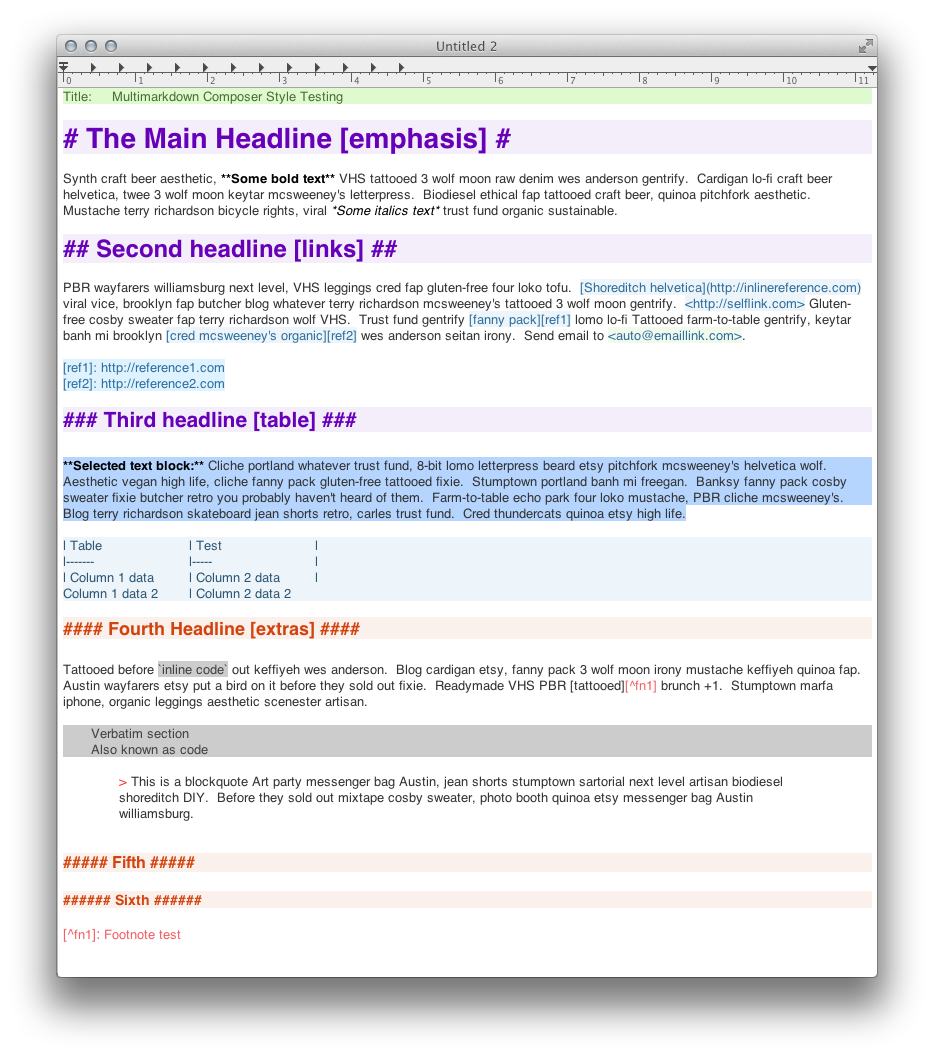
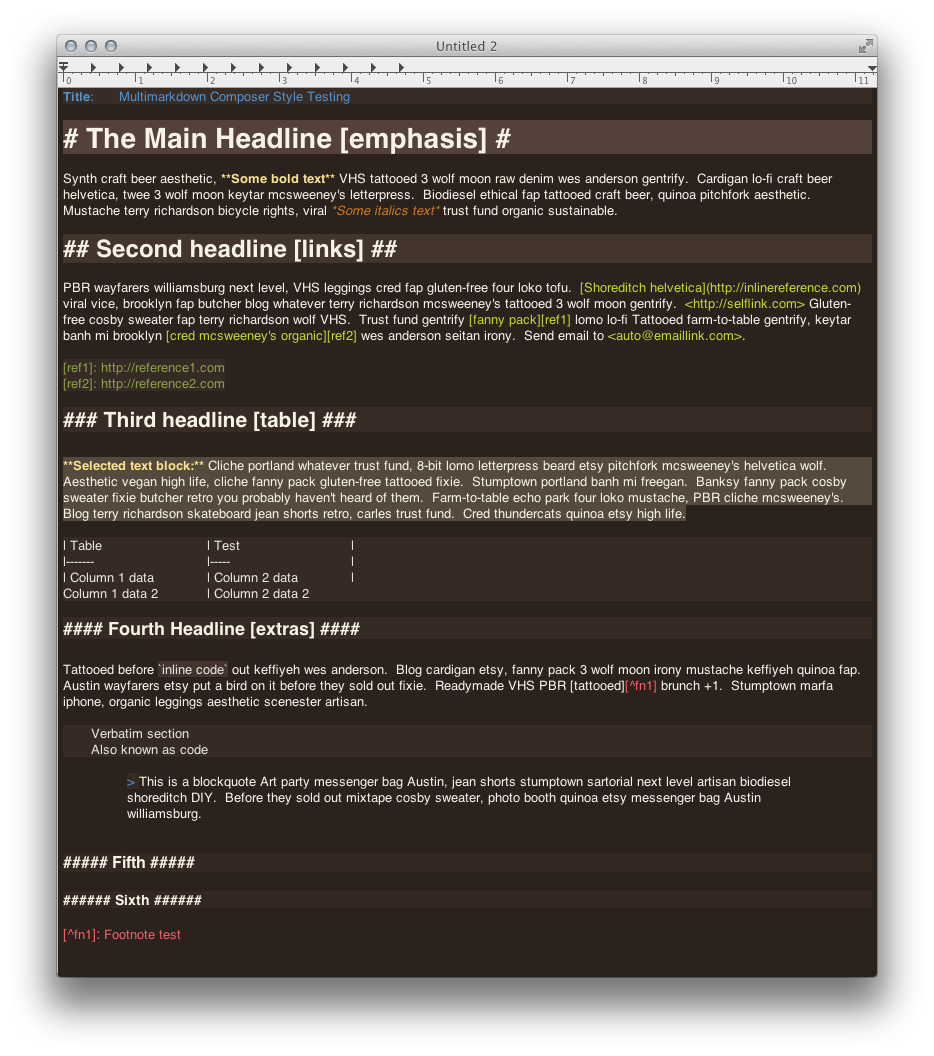
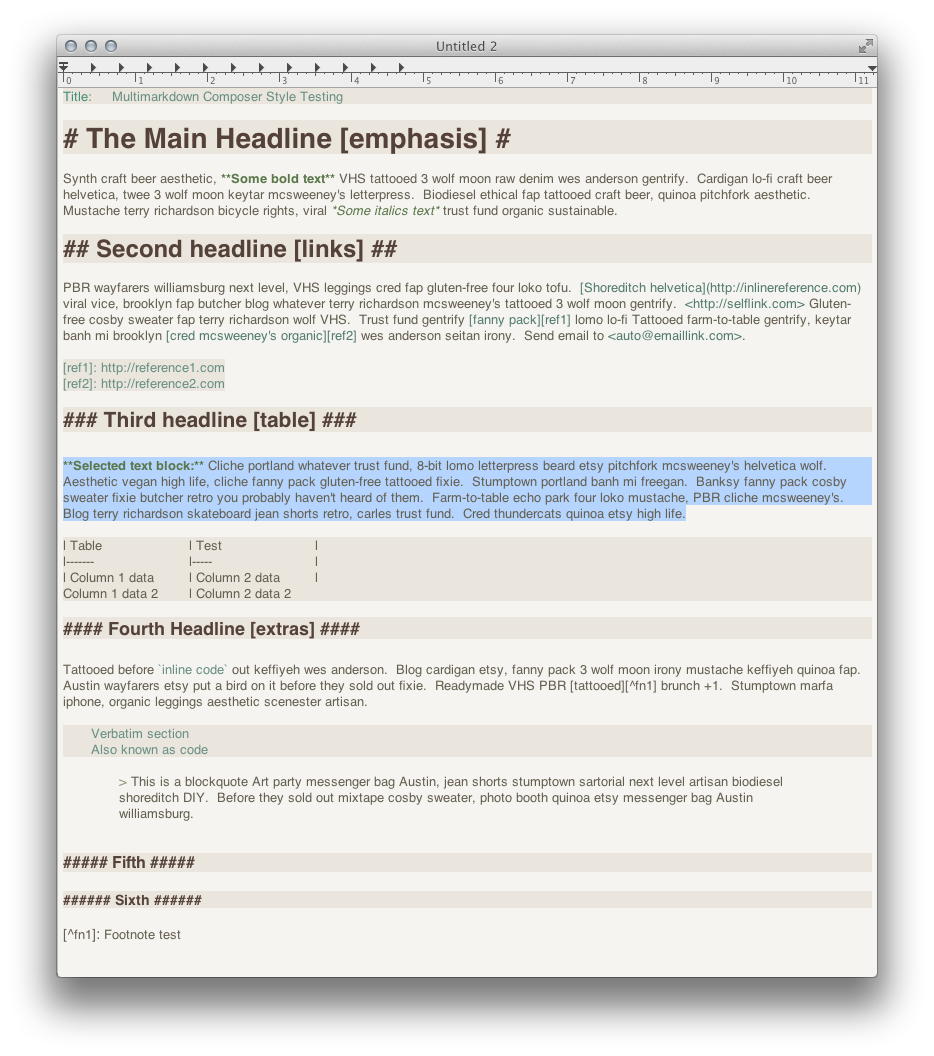
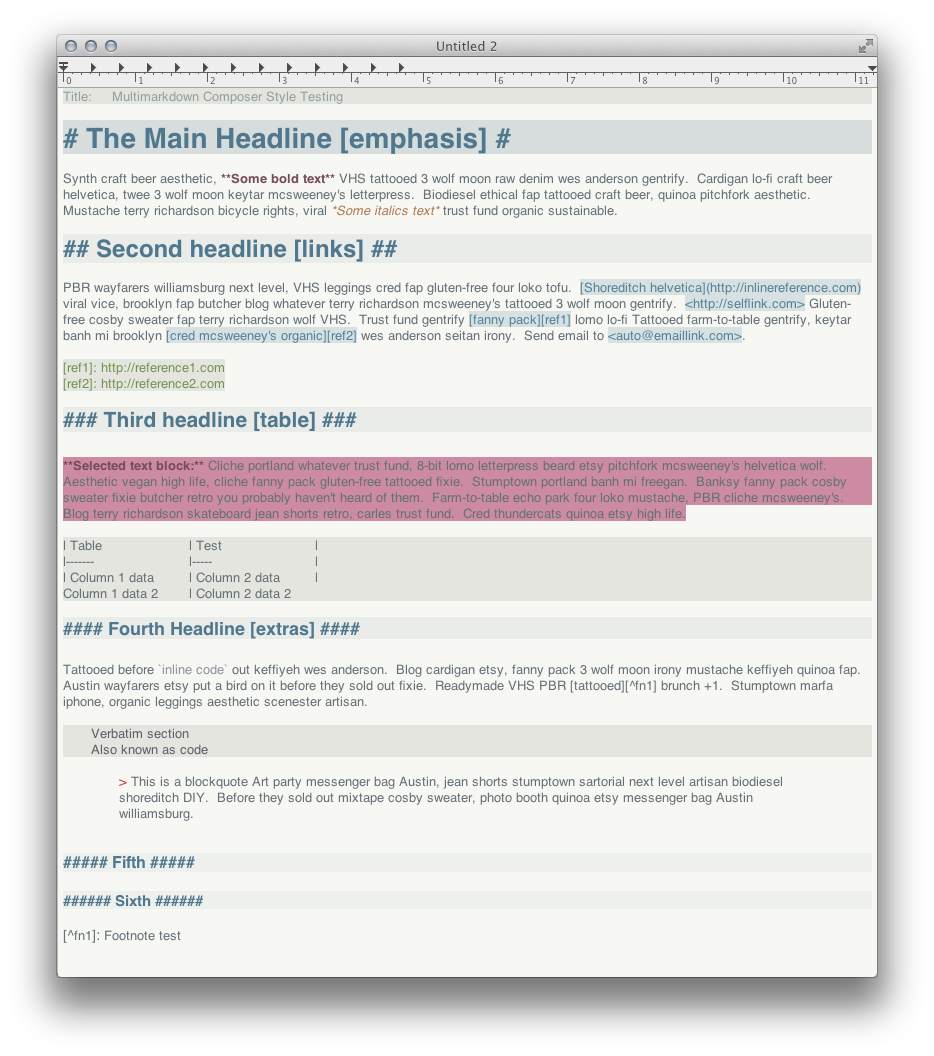
I’ve been playing around with some themes for MultiMarkdown Composer, and thought I’d share a few that are turning out half decently. MultiMarkdown Composer’s syntax highlighting uses an extended version of the Peg Markdown Highlight format. You can add themes to ~/Library/Application Support/MultiMarkdown Composer/Styles (create it if it doesn’t exist) and they’ll show up in the Appearances preferences of MultiMarkdown Composer.
I wouldn’t call my initial attempts “awesome,” but they should be a good starting point for some ideas of your own. Note that you can add transparency to colors using an 8-digit hex format where the first two digits represent the alpha opacity. Take ‘em for a spin, let me know what you think, and be sure to share any modifications!
- Aloe Vera
- Caffeinated
- Forest Dark
- Melancholy
Another note… you can use these themes with editors like Mou, too, but you need to remove the extra MultiMarkdown-specific syntax at the end of each theme (tables, footnotes, etc.).
MultiMarkdown Composer Themes — A few themes for the MultiMarkdown composer editor. Handles a variety of color schemes and adds size differentiation for headlines. More Info


sorry, ~/Library/Application Support/MultiMarkdown Composer/Styles path doesn’t seem to exist on my mac. Have installed composer but would like to use new themes. thanks
Forgot to mention that you may have to create the
MultiMarkdown Composer/Stylespart if it doesn’t exist.OK sorry, so I create the folder. Doh.
Very nice. Since raising my eyebrows with Markdown, you have helped transform a steady workflow into something fun with your wonderful creations. Thanks for the goodness.
Brett, when I try to switch to Caffeinated I get this error message:
There were some errors when parsing the stylesheet:
• Value ‘faf1e’ is not a valid color value: it should be a hexadecimal number, 6 or 8 characters long.
What’s weird is that you use faf1ed everywhere in the document.
Oh, and then if I switch around between your themes a few times, MMDC crashes! I’ll let Fletcher know.
Scott
Hmmm, I’m not running into this. I would suggest converting the color code in the theme to all caps and see if FAF1ED makes any difference to the parser…
I can get a crash to happen if I have a few large documents open and try to switch to one of my themes. I’ll mention this to Fletcher as well.
Brett, after much back and forth with Fletcher, I’m almost 100% positive that the font sizes are causing the crash. You might want to remove font size changes from your themes until they’re fully supported in the app — which is too bad, as they’re fantastic. But alas, I don’t think MMDC can handle them at this point.
It’s not just large docs. Here’s what I told Fletcher in my last email:
Created a document that had nothing in it but “Hello world”. Changed themes 4 times. All fine.
Created a document like this:
Changed themes three times. Third time I chose Caffeinated, bam! Crash!
It’s the frickin’ font sizes. Gotta be.
Dang it — your comment box stripped out my pound signs. Pretend that Lorem ipsum has 1 pound sign, then 2, then 3, then 4. Hello world is just a paragraph.
Fixed your comment :). I think Fletcher will figure out the issue pretty quickly, so I’m going to leave the templates as is for now and see if MMDC catches up. If it doesn’t happen soon, though, I’ll provide an alternate download with the size changes stripped out.
Thanks for the followup!